
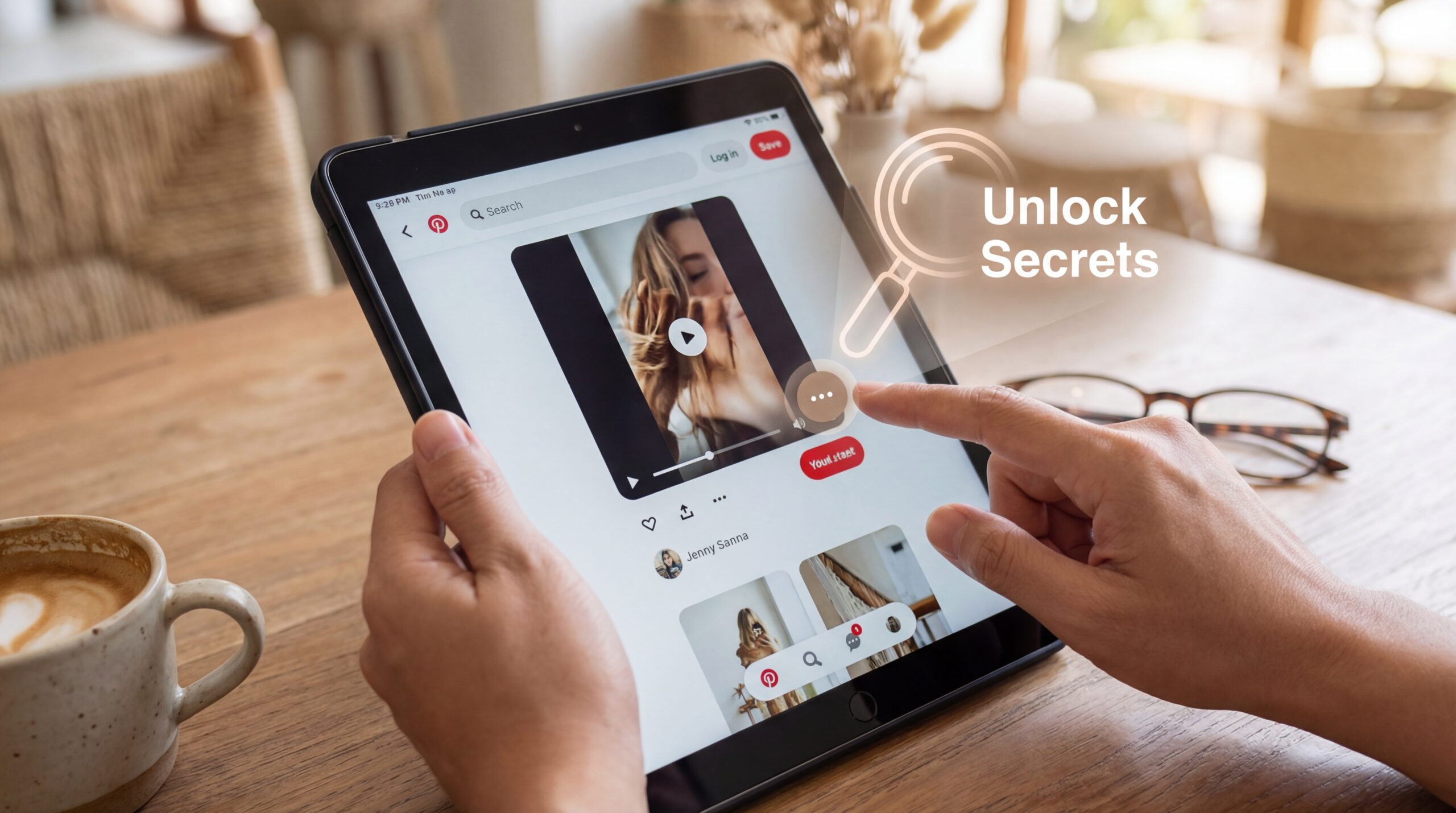
If you think Pinterest is just a place for pretty pictures, it’s time to upgrade your thinking. Video pins are no longer an afterthought—they’re taking over the platform. And here’s the kicker: most creators barely scratch the surface. Pinterest hides powerful features in video pins that can boost engagement, discoverability, and traffic, but you need to know where to look.
In this guide, we’ll uncover the hidden features in Pinterest video pins and show you how to use them to grow your audience, increase saves, and maximize the long-term value of your content.
1. Video Thumbnails Are Customizable—and Critical
Most people don’t realize you can choose the exact frame for your video thumbnail. That one frame can determine whether a user stops scrolling or swipes past.
- Hidden Tip: Pick a frame that clearly communicates the value of your video.
- Pro Tip: Add text overlays directly on your thumbnail to highlight the main takeaway.
Pinterest favors clarity over clickbait. A well-chosen thumbnail can skyrocket saves and clicks.
2. Video Pins Support Rich Pins Metadata
Rich Pins aren’t just for blog posts—they enhance video pins too. Hidden in the metadata, these pins include:
- Title
- Description
- Link to the source website
The benefit? Pinterest can better understand your video’s topic, improving its chances of appearing in search results and recommendation feeds. Most creators skip this step, but it’s essential for long-term visibility.
3. Looping Videos Keep Users Engaged
Pinterest automatically loops short videos, but here’s the secret: video length matters.
- 15–30 seconds: Perfect for quick tutorials or hacks. Loops encourage re-watches.
- 30–60 seconds: Great for detailed step-by-step guides.
- Over 60 seconds: Works if you deliver high-value content, like full tutorials.
Looping isn’t just aesthetic—it signals engagement to Pinterest, which boosts distribution.
4. Interactive Elements Are Underutilized
Many creators overlook Pinterest’s subtle interactive features:
- Clickable Pins: Every video can link to your website, blog, or product page.
- Board Tags: Pinning your video to relevant boards increases visibility.
- Calls to Action in Overlays: Text overlays like “Save for later” or “Click to learn more” directly encourage user action.
These hidden interactive cues tell Pinterest your content is valuable, which can improve algorithmic reach.
5. Auto-Generated Captions for Accessibility
Pinterest now generates captions for videos, a feature many users don’t notice. This is gold for engagement:
- Videos with captions are watched longer and re-watched more often.
- Captions make your content accessible to viewers watching without sound.
- Hidden Tip: Check the auto-captions for accuracy—correcting them can improve clarity and user experience.
Accessible content = happier users + better algorithm performance.
6. Video Pins Can Be Scheduled and Republishing Is Key
Pinterest allows scheduling and re-sharing video pins, a hidden feature many creators ignore. Why it matters:
- Evergreen content can be repinned months later.
- Scheduling lets you post during peak times for your audience.
- Republishing old videos with new thumbnails or titles can boost performance without creating new content.
This feature turns Pinterest into a long-term traffic machine rather than a “post and forget” platform.
7. Story Pins vs Video Pins: Mixed Media Options
Pinterest allows you to combine videos with images and text in Story Pins. Many users miss this feature:
- Use Story Pins to provide context around your video.
- Add step-by-step instructions alongside the video.
- Story Pins increase time on content, signaling higher engagement to Pinterest.
Mixing media types keeps viewers engaged longer, which is one of Pinterest’s top hidden ranking signals.
8. Analytics for Video Pins Reveal Hidden Insights
Pinterest Analytics is more powerful than most creators realize:
- Watch time: Shows exactly how long viewers are watching your video.
- Close-ups and saves: Indicate which parts of the video resonate most.
- Clicks to website: Tracks conversion potential.
Hidden Tip: Use analytics to optimize future video pins. Adjust thumbnails, descriptions, or lengths based on what works.
9. Pinterest SEO Hidden in Video Descriptions
Most creators use generic descriptions, but Pinterest reads every word in your description for SEO. Hidden tricks:
- Include long-tail keywords naturally.
- Use actionable phrases like “Learn how to…” or “Step-by-step guide to…”.
- Include secondary keywords to broaden search discoverability.
A well-crafted description can make a video pin rank in Pinterest search for months, making it evergreen content gold.
10. Pinterest Algorithm Rewards Evergreen Video Content
Here’s the final hidden gem: Pinterest’s algorithm rewards videos that provide long-term value. Unlike TikTok, where trends fade in days, video pins:
- Gain traction slowly over weeks or months.
- Continue generating traffic months after posting.
- Benefit from repins, saves, and clicks long after the upload date.
This hidden “long game” makes video pins one of the most sustainable content formats on Pinterest.
Key Takeaways: Hidden Features You Should Use
- Customize your video thumbnail for maximum clarity.
- Enable and optimize Rich Pin metadata.
- Take advantage of looping by structuring video lengths strategically.
- Use interactive elements like clickable links and overlay CTAs.
- Edit auto-generated captions for accessibility and engagement.
- Schedule and republish evergreen video pins.
- Leverage Story Pins to mix media formats.
- Use Pinterest Analytics to refine content strategy.
- Optimize video descriptions for SEO and discoverability.
- Focus on evergreen value—Pinterest rewards content longevity.