
Download Pinterest Videos in HD — Free, Fast, and Without Installing Anything
You know that feeling. Late at night, you are scrolling through Pinterest, and a video stops you in your tracks: the recipe you have been looking for, or the craft idea you can already picture on your shelf. You mean to come back to it later, but the feed moves on, and by morning you cannot find it again.
A good idea should not disappear just because you did not save it in time, and that is why PinDownloaders exists. It is a free online tool that saves a Pinterest video to your phone, tablet, or computer, in high definition and with sound, with no app to install. You paste the link, choose a quality, and download, and the copy stays on your device, ready to open offline and replay at your own pace.
Why a Saved Copy Matters More Than a Saved Pin
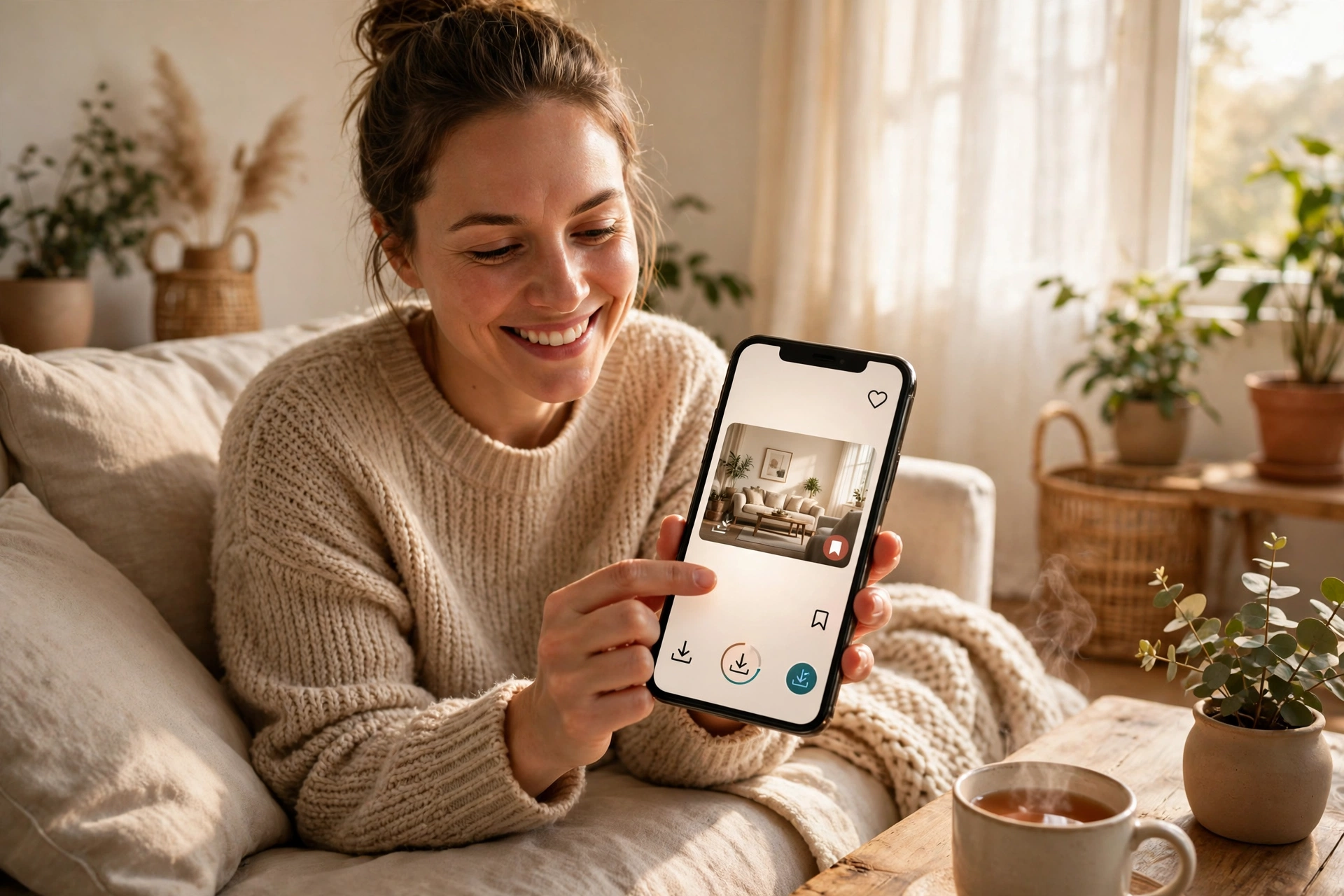
Saving a pin inside Pinterest is useful, but it is not the same as having a copy of the video itself. A saved pin still depends on the feed, the original post, and your connection, and if the creator edits or removes the pin, your saved version can change or disappear. If you are offline, or in a kitchen with weak signal, a saved pin does not help you follow a recipe step by step.
A downloaded copy solves that problem in a simple way. You can open it without waiting for a page to load, pause it at the exact moment a technique is shown, and replay a tricky step as many times as you need. The best time to save a video is the moment you first think "I want to try this".
What PinDownloaders Does
PinDownloaders is a browser-based Pinterest video downloader, so there is nothing to install and nothing to learn. It supports video pins in high definition, including Full HD and higher quality where the original allows it, with audio kept intact. Quality always depends on the original video, because no tool can invent detail that was never uploaded.
Your saved video arrives as an MP4 file, a format that plays on almost every phone, tablet, and computer without extra software. Keep it in your downloads folder or move it to your photos, and watch it offline whenever the idea fits your plans. There is no account to create and no personal details to hand over.
How to Download a Pinterest Video in 3 Steps
If you have ever shared a link with a friend, you already know most of this process, and the steps work the same way on a phone, tablet, or computer.
- Find the video and copy its link. Open the video pin in Pinterest, tap Share, then choose Copy Link, and make sure it is a single video pin, not a board or a profile.
- Paste the link into PinDownloaders. Open PinDownloaders in your browser, paste the link into the box, and follow the prompt on screen.
- Choose a quality and download. Choose the quality you want, where it is offered, then download, and open it once to check the picture and sound.
| Step | What you do | What happens next |
|---|---|---|
| 1. Copy | Copy one video pin link | You have the exact address of the video |
| 2. Paste | Paste the link into PinDownloaders | The tool locates that video for you |
| 3. Download | Choose a quality and download | A copy with sound saves to your device |
Quality and Sound: Getting the Best Copy of the Original
Sound matters more than many people expect. A silent recipe video is a different recipe, because you lose the timing and the spoken instructions, and a workout without its cues is harder to follow. That is why PinDownloaders saves videos with sound, not as silent clips, and in high definition where the original allows it.
The homepage mentions HD, 1080p, 2K, and 4K quality, and MP4 format, but the exact options depend on the original upload. A low-resolution original cannot become a sharp 4K video through downloading. What matters is getting the best faithful copy of what the creator actually posted.
Choosing a quality is about how you plan to use the video. A higher quality copy shows fine detail and looks better on a larger screen, while a smaller copy takes up less space. Pick the one that fits your device, your storage, and how often you will replay it.
| Quality choice | Best for | Trade-off to keep in mind |
|---|---|---|
| Higher quality (HD or 4K where offered) | Close detail, larger screens | Larger file |
| Standard quality | Quick reference, everyday phone viewing | Less fine detail |
| Smaller quality | Tight storage, slow connections | Smallest file |
Works on All Devices
Most Pinterest finds happen on a phone, in short bursts: while waiting, cooking, or taking a break. You do not need to wait until you are at a computer, transfer a file, or install something first. Copy the link, switch to your browser, paste, and download.
On a tablet, the same steps work on a bigger screen, which is lovely for following a tutorial hands-free. On a laptop or desktop, copy the address from the address bar and paste it the same way. Android, iOS, Windows, and macOS are all covered through the browser, and the copy works offline after download.
Free, Unlimited, and Without Installations
Many free tools come with a catch that appears only after you start using them: a daily limit, a forced sign-up, or an installation step that was not mentioned at the start. PinDownloaders is presented differently, as free and unlimited, with no hidden fees or subscription plans, supported by a few ads that keep the service running.
No installation also means no unknown app on your phone, no broad permissions to approve, and no personal details to hand over. You just use your browser, the same way you already browse Pinterest.
Everyday Uses for Saved Pinterest Videos
Saved videos are most useful when they fit into real routines, and a video you can open in seconds is far more likely to be used than one you have to hunt for again.
- Cooking: Follow a recipe at your own pace and replay the technique, without worrying about signal in the kitchen.
- Fitness and stretching: Keep a morning routine on your phone and follow it each day, even if your connection is slow.
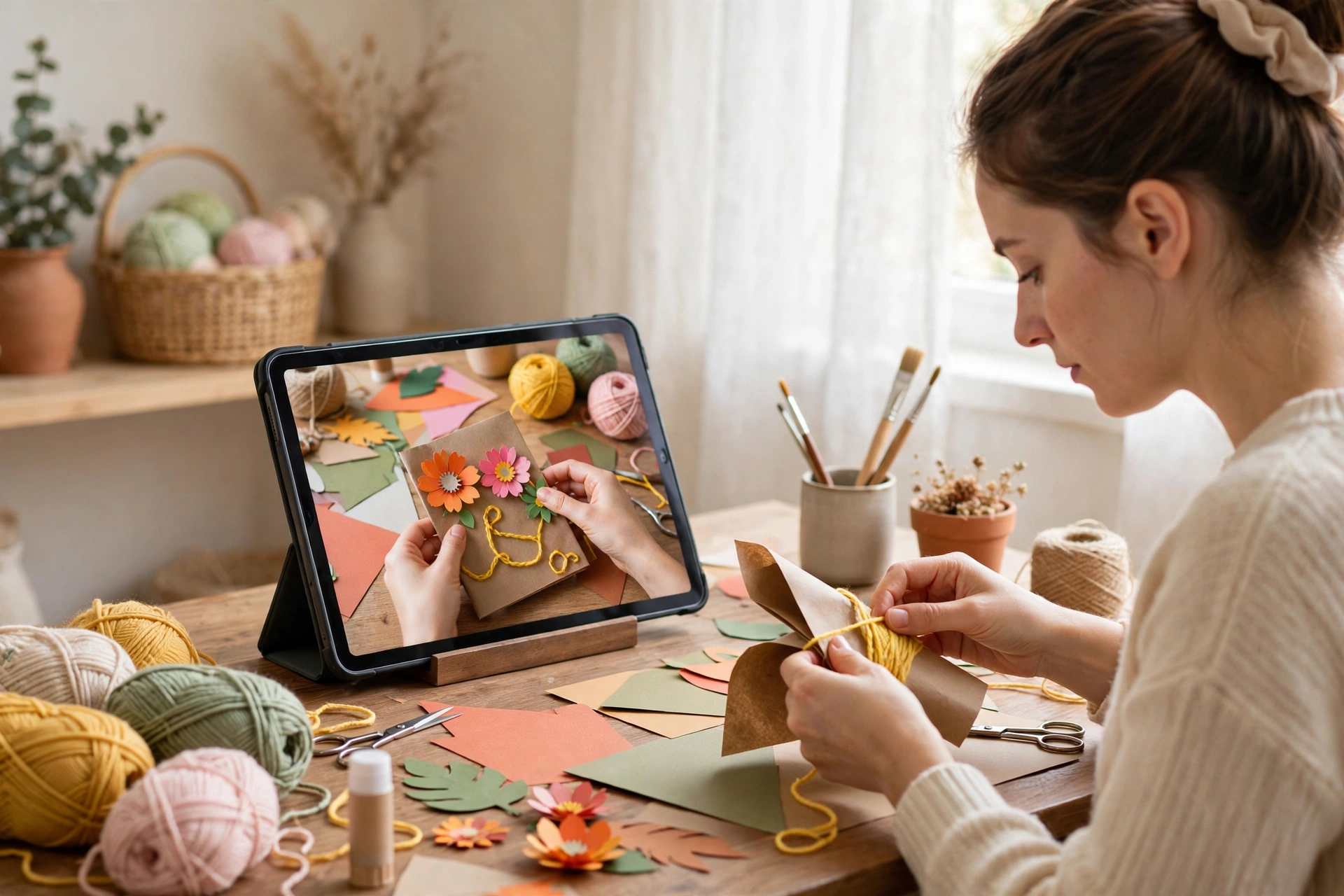
- Crafts and DIY: Work through a project slowly, with the video open beside your materials.
- Home projects: Save a repair or decorating guide, then open it when you need it, tools already in hand.
- Study and reference: Keep a how-to explanation for revision, and replay the tricky part until it clicks.
You save the video when you find it, and you use it when life gives you the time. None of that happens if the video is lost in the feed.
Quick Troubleshooting
Most downloads work on the first try, but if something looks wrong, the fix is usually small.
- Wrong link copied: If nothing shows up, you may have copied a board or profile link. Go back and copy the single video pin instead.
- Nothing shows up: Check that the link is complete and the pin is still live, then paste it again slowly.
- Low quality: Quality depends on the original upload. Choose the highest quality offered, and accept that a soft original cannot become sharp.
- No sound: Check your device volume and mute switch after downloading. If the original pin had no sound, the saved copy will not have sound either.
Save Kindly: Respect the Creator
Every helpful video has a person behind it, someone who planned it, filmed it, and edited it, often after many tries you never see. Saving a personal copy for cooking, practice, or reference is one thing, but claiming it as your own or reposting it without permission harms the community that makes Pinterest worth browsing.
Use saved videos with respect, and keep them for personal use only. If you want to share a video, share the original pin or its link, so the creator gets the credit and the traffic. Do not strip credit or claim the work as yours.
Creators can also choose download options for their full-screen video pins, and a download may carry the creator's username as a watermark. Pinterest explains these settings in its help pages, including Download an image. Content still belongs to its creator even after you have saved a personal copy, so if you are unsure whether a use is allowed, keep it personal or ask the creator first.
Frequently Asked Questions
Is PinDownloaders really free to use?
Yes, it is free to use, and the homepage describes it as free and unlimited. A few ads help keep the service running, so there is no subscription or payment step.
Can I use PinDownloaders on my phone?
Yes, through your browser, with no app to install. Copy the link in the Pinterest app, switch to your browser, paste it, and download.
Will my downloaded video include sound?
Yes, when the original video has sound, because PinDownloaders saves videos with their audio kept intact. If the original pin had no sound, the saved copy will not have sound either.
What video quality can I download?
You can download in high definition, including Full HD and higher quality such as 2K or 4K where the original allows it. A low-resolution original cannot become a sharp 4K copy.
Is it safe and legal to download Pinterest videos for personal use?
Downloading a video for your own personal use, such as cooking or practice, is the intended use of a saved copy. Do not repost it without permission, claim it as your own, or strip away the creator's credit. If you are unsure, keep it personal or ask the creator first.
Disclaimer: This article is general information only, not legal advice. Rules can differ by place and by pin, so check the rights for your own pin before sharing or reusing a video.
Related reading: How to Download Pinterest Videos on iPhone: Shortcuts, No App Needed and Pinterest Video Downloading: Everything You Need to Know (And a Few Things People Wont Admit).
Conclusion
Pinterest is full of ideas worth keeping, but a feed is a poor place to store them. Videos slip away, connections fail at the wrong moment, and a great tutorial can take ten minutes to find again. Copy the link, paste it into PinDownloaders, and keep a clear copy with sound on your own device.
Save the video, keep the idea, and use it at your own pace, offline, and with respect for the creator who made it.