
This was not something I expected to learn.
It started out like it usually does: scrolling Pinterest in the middle of the night, half asleep, telling myself that I was “looking for inspiration.”
The next thing I knew I had saved 47 recipe videos, 12 renovation clips that I would never attempt and one oddly mesmerizing slow motion candle making video I needed offline.
And then Pinterest did what it normally does.
There is no download button.
There is no “Save to Gallery.”
Only feeling and frustration.
Consequently, I did what any good iPhone user will do: I refused to install another application.
Thus, Shortcuts unknowingly becomes the hero of this story.
Why Pinterest Makes Downloading Videos Weird (And Why Shortcuts Slip Through)
Allow me to make this point: Pinterest is not “broken.” Its design is intentional.
Pinterest’s purpose is:
- To keep you within the app
- To help promote endless scrolling
- To make it possible for you to save pins, not export them
It does not want you to stash videos in your Camera Roll and never come back.
Nevertheless, there is a loophole: Pinterest videos are still accessible via public URLs, and iOS Shortcuts is a small automation wizard that Apple has not publicised enough.
Shortcuts can:
- Get a link from your clipboard
- Obtain the video file that is linked to that link
- Save it directly to Photos
All without using third-party applications, placing a watermark on it (if used correctly) and without the need for a monthly subscription of $9.99.
It is simply put quiet and elegant automation.
First Things First: Make Sure Your iPhone is Shortcut Ready
Before going further, check for these prerequisites (omit if you are already a power user):
- iOS 15 or later (iOS16+ works best)
- Shortcuts app installed (pre-installed on most iPhone)
- Willingness to take a shortcut for about 12 seconds
No jailbreaks. No developer mode. No dubious profiles.
The Shortcut Method (The One That Actually Works)
I will be forthright: there are dozens of “Pinterest download shortcuts” floating around the Internet.
Some are outdated.
Some fail arbitrarily.
Others stop functioning after updates of iOS.
The method I am about to explain is the most stable one, as it does not depend directly on Pinterest – it uses a dependable video-extraction step.
The Concept (In Plain English)
Here is what the shortcut does in the background:
- It takes the pinterest video link you have copied.
- It sends it to a trusted downloading end point.
- It extracts the raw MP4 video file.
- It saves the video directly to your Photos app.
You never see the cumbersome phases, you just tap and you move on.
Step by Step: Download Pinterest Videos on iPhone with Shortcuts
Step 1: Copy the Pinterest Video Link (Yes, This is Important)
- Open the Pinterest app.
- Find the video that you want to save.
- Tap Share.
- Tap Copy Link.
Do not skip this step, the survival of the shortcut depends on what is currently on your clipboard.
Step 2 Add the Pinterest Video Download Shortcut
I will not pretend that you are building this from scratch unless you want to. Most users do not.
Instead, you:
- Add a pre-built shortcut.
- Briefly review its function (you should always do this).
- Run it.
Once installed:
- Open Settings → Shortcuts.
- Turn on “Allow Untrusted Shortcuts” if the option is not already enabled.
This may sound alarming but it is not. Be careful when installing random software.
Step 3: Run the Shortcut (The Moment of Action)
You have two clean options:
Option A: Run away from the Shortcuts App
- Open Shortcuts.
- Click on the shortcut for Pinterest Video Downloader.
- It automatically identifies the copied link.
Option B (My Preferred Method): Use the Share Sheet
- Go back to the video on Pinterest.
- Tap Share.
- Scroll to “More.”
- Select the shortcut.
In a few seconds:
- The screen may flicker.
- You may be prompted for a permission.
- Then it completes.
Check the video in your Photos app.
The video is available.
Offline.
Playable.
Yours.
That sensation? Yes. That is control.
Where People Mess This Up (And How to Avoid It)
Let us talk about some common mistakes, as you are sure to face at least one.
The Shortcut Says It Cannot Find a Video”
This usually indicates:
- The pin is an Idea Pin (Pinterest’s story style posts).
- Video is region restricted.
Pinterest changed its backend (rare, but possible).
Fix:
- Try a different pin.
- Or use Share Sheet method instead of clipboard.
“It Saved a Blank File”
This is frustrating.
Cause:
- The shortcut did not have permission to save photos.
Fix:
- Go to Settings – Privacy & Security – Photos.
- Grant Shortcuts full access.
“The Video Has a Watermark”
That watermark does not come from Pinterest, it comes from the downloader service that the shortcut uses.
Solution:
- Use a shortcut to pull direct MP4 streams.
- Don’t take shortcuts through social media branded sites.
If there is a watermark on your download from a shortcut, remove it. Period.
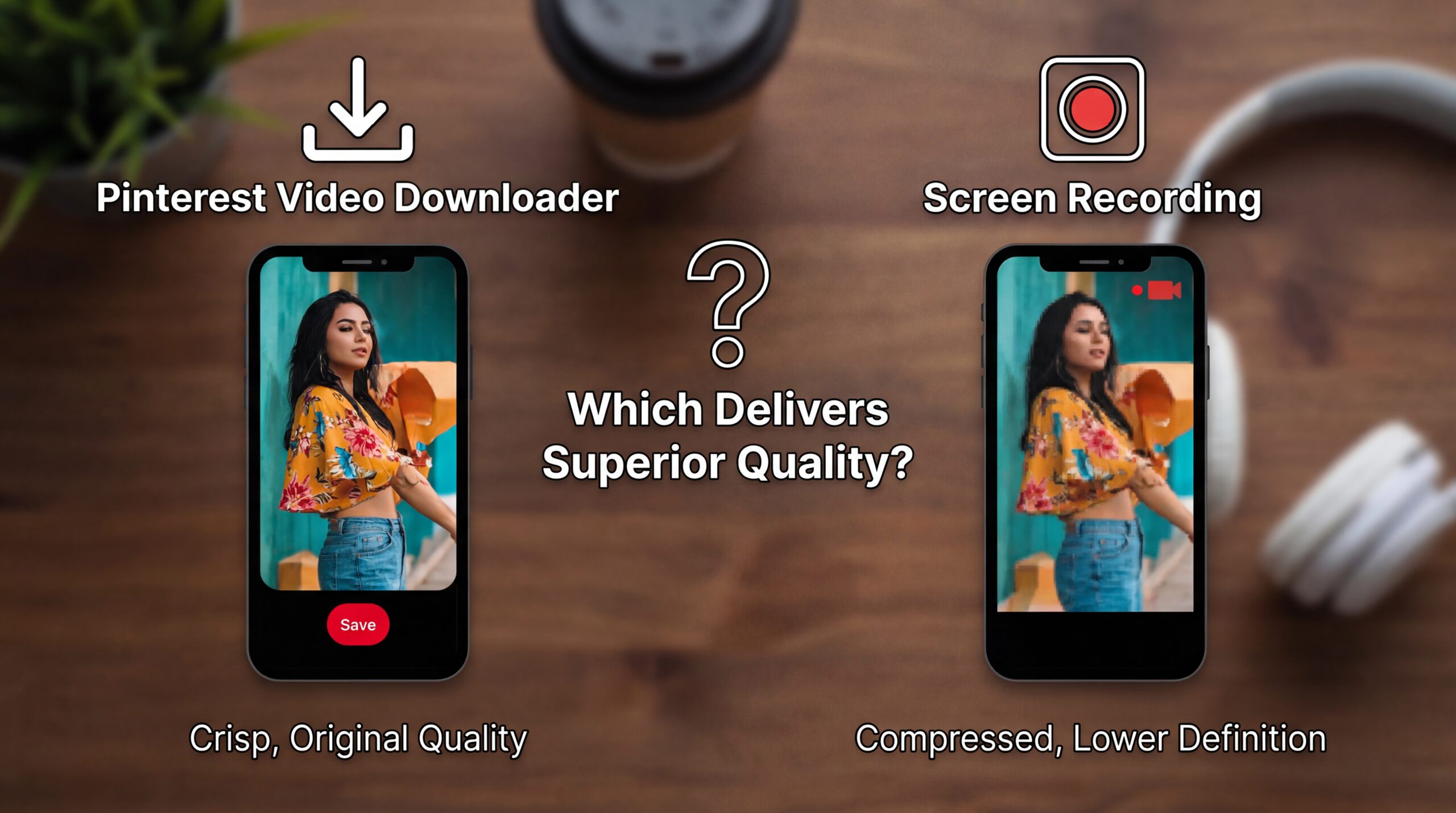
Why This is Better than Any Pinterest Video Downloader App
I have tested the apps. Perhaps you have as well.
Here is an honest comparison:
Apps
- Ads every 12 seconds.
- Paywalls.
- Tracking.
- Random crashes.
- Watermarks unless you upgrade.
Shortcuts
- Free.
- Offline-friendly.
- No background tracking.
- Fully transparent.
- Works system-wide.
Apple accidentally gave us a powerful tool, but the majority are still using it to automate “Good Morning” messages.
It is, amazingly enough, just a tool. Wild, indeed.
Is This Legal? Ethical? Allowed?
I will not skirt this issue.
Downloading Pinterest videos is usually fine for personal use.
It is murky if you repost without attribution.
It is clearly not allowed if you make money off someone else’s work.
My rule:
If you did not create the content, do not take credit for it.
Save recipes. Save tutorials. Save inspiration.
But respect the creators.
Pinterest already has enough problems with attribution, and you should not make it worse.
Advanced Tips (You’re Still Here)
Rename the Video Automatically
You can change the shortcut to:
- Retrieve the pin title.
- Use it as the filename.
Thus, no more crazy “IMG_8472.mp4” naming.
Add a Quality Selector
Some shortcuts allow you to:
- Choose SD or HD.
- Like the original resolution better.
If you are archiving content (I see designers among you) this is important.
Use Siri Like a Pro
Once configured, you can say:
“Hey Siri, download Pinterest video.”
And it will simply comply.
It may appear to be illicit, but it’s not.
Why I Will Keep Using This Method (Even If Pinterest Doesn’t Approve)
Pinterest is great for discovery and not so good for ownership.
Ideas vanish. Accounts are deleted. Boards are purged.
However, your Photos app is still yours.
Shortcuts restore a modicum of digital autonomy, which I think is very good.
Not the video itself.
Not the hack.
The control.
Final Thoughts (Not A Polite Closure, But A Genuine One)
If you:
- Use Pinterest daily.
- Save videos for later.
- Dislike cluttered apps.
- Value privacy.
- Prefer solutions which just work.
Then downloading pinterest videos on iPhone using Shortcuts is not a trick.
It is a natural addition to your use of the device.
No applications.
No frivolity.
Just a smarter workflow.
Once established, you will never see it again – a superior tech solution.
If you desire:
- A custom shortcut build.
- A watermark-free setup.
- Or version designed for Idea Pins.