
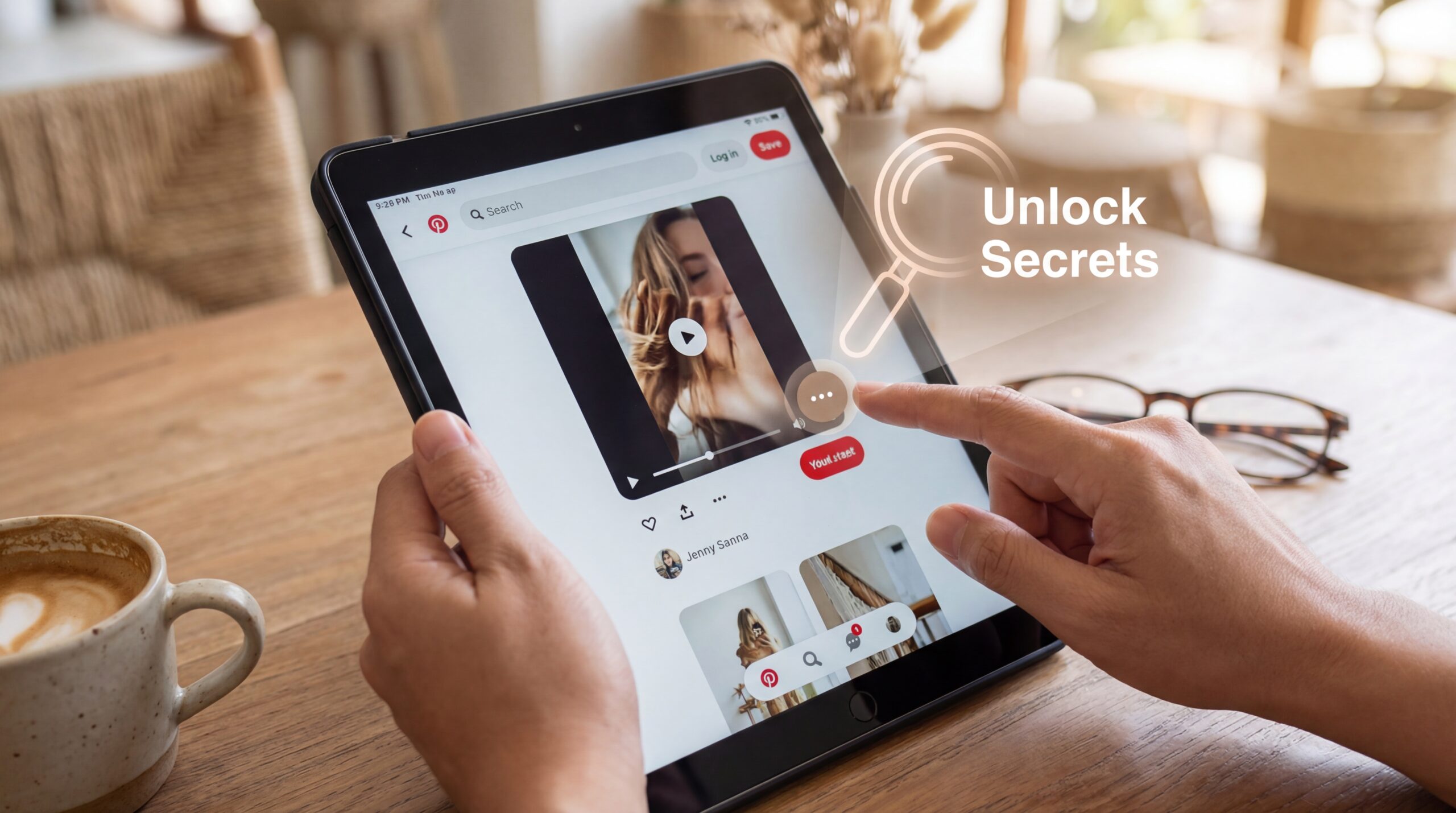
Most people open Pinterest expecting still images, and then they scroll straight past the videos. That habit misses a lot, because a video pin has a chosen cover frame, searchable details, a link, captions, and viewer signals.
Used well, those parts help a useful video keep being found long after it was posted. This guide looks at the quieter settings behind strong video pins, and how to use each one.

Start With the Cover Frame
A viewer decides in a moment whether to stop or keep scrolling. On Pinterest, that moment is usually decided by the still image shown before playback begins, so choose the cover frame with care.
Pick a frame that shows what the video is about at a glance, such as the finished result or key step. Keep any overlay text short, large, honest, and easy to read on a phone.
- Pick the cover frame on purpose, rather than accepting the default.
- Keep overlay text short, large, and easy to read on a small screen.
- Check the frame on a phone before you publish.
Add Details Search Can Understand
A video alone tells Pinterest very little, because the platform cannot watch it the way a person does. The words around it do much of the explaining, and Rich Pins metadata can add to that context. That metadata can include the title, the description, and the link to the source website.
A clear title, plain-language description, and link give Pinterest context about the topic and audience. Include long-tail keywords naturally, with actionable phrases and secondary keywords only where they fit.
Let Length and Looping Work Together
Pinterest automatically loops short videos, and length is a creative choice, not just a limit. For a single quick tip, a very short clip of around 6 to 15 seconds can work well, especially when the hook appears in the first 2 seconds. A vertical format of 9:16, at around 1080 by 1920 pixels, suits mobile viewing and keeps the subject clear.
Longer clips group helpfully as 15 to 30 seconds for quick tutorials, 30 to 60 seconds for step-by-step guides, and over 60 seconds for full tutorials. Looping encourages re-watches, which can signal engagement to Pinterest.
Use Clicks, Boards, and Prompts
Every video pin can point somewhere useful, such as a full tutorial, a product page, or a blog post. Pinning it to a matching board also helps, and product tagging can connect a video to a product where that fits.
On-screen prompts can help if they stay simple, such as a short reminder to save the pin or visit the linked page. Too many prompts can distract from the video itself.

Do Not Skip Captions
Many people watch video pins without sound, whether they are in a quiet room, on public transport, or simply browsing quickly. Captions make those videos usable in all of those moments, and they help viewers follow instructions that would be easy to miss from pictures alone. Pinterest can generate captions automatically, and that feature is easy to overlook.
Pinterest can generate captions automatically, and videos with captions can be watched for longer and re-watched more often. Check auto-generated captions, because a wrong word in a step or measurement can change the meaning.
Mix, Schedule, and Learn From Analytics
Pinterest allows video to be combined with images and text in story-style, mixed-media pins, and many creators miss that option. That format can add context and step-by-step instructions, and increase time spent with the content.
Pinterest also allows video pins to be scheduled, and evergreen content can be repinned months later with a new thumbnail or title. Analytics can then show watch time, saves, close-ups, and clicks, guiding the next video you make.
| Hidden feature | What it helps with | Quick check before posting |
|---|---|---|
| Chosen cover frame | Stopping the scroll | Is the subject clear at a glance |
| Title and description | Search and discovery | Would a stranger understand the topic |
| Link and board | Next step and context | Does the board match the topic |
| Captions | Watching without sound | Are the captions accurate |
| Scheduling and reuse | Longer life | Could this video help again later |
| Analytics | Better next videos | What did viewers actually do |
If viewers leave early, the opening may need a clearer promise. If saves are high but clicks are low, the link needs a clearer reason to follow.
Frequently Asked Questions
What is the best length for a Pinterest video pin?
A quick tip can work in 6 to 15 seconds, and 15 to 30 seconds suits a quick tutorial. Step-by-step guides can run 30 to 60 seconds, and full tutorials can run longer.
Does the cover frame really matter for a video pin?
Yes, because the cover frame often decides whether a viewer stops scrolling. A clear frame that shows the subject or result gives the video a fair chance to be watched.
Should I check auto-generated captions?
Yes, because a wrong word in a step, name, or measurement can change the meaning. A quick check keeps the video usable for viewers watching without sound.
Can an old video pin still gain traffic?
Yes, because Pinterest rewards evergreen content that stays useful over time. Scheduling, republishing with a fresh cover or title, and steady saves can help an older video keep being found.
Disclaimer
This article shares general information about Pinterest features, not legal advice. Features and options can change, so check the current settings in your own account before you rely on a specific option.
Related reading: How the Pinterest Algorithm Works for Video Pins and Pinterest Video vs Image Pins: Whats the Difference?
Conclusion
The most useful features are often the least dramatic: a clear cover, searchable wording, a working link, accurate captions, and revisiting good content. Together, they help a good video be found, saved, and used again.
Start with one video you already like, check each item in the table above, and fix the weakest one first. That single improvement is often enough to give a strong video a much longer and more useful life on Pinterest.