
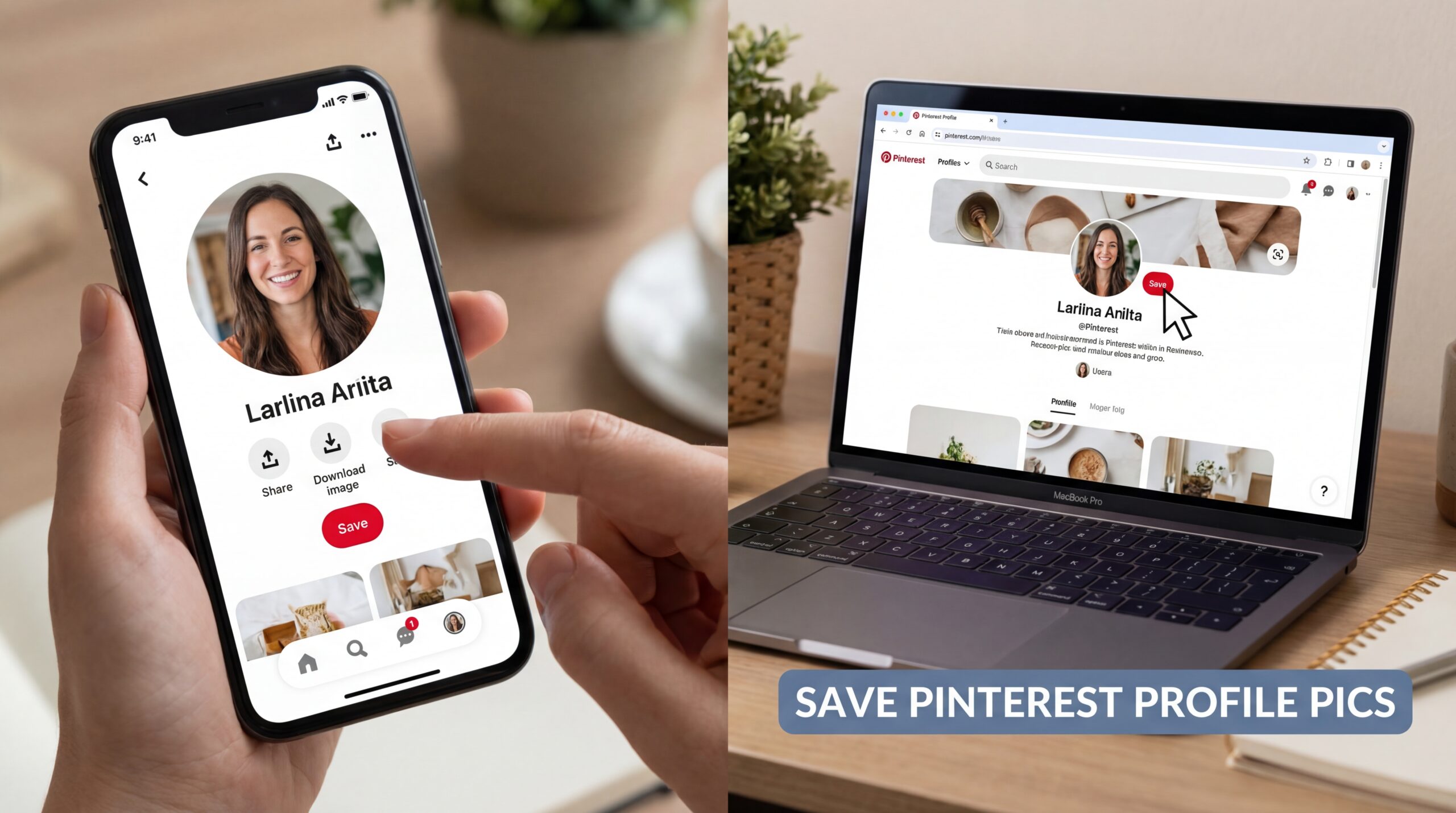
You spot a profile picture you want to keep as a reference. It might be a clean logo or a neat portrait.
You save it from the app, and it looks soft and blocky. Pinterest shows profile pictures as small, compressed previews first, so the save keeps the lowest quality.
The sharper source image is often stored separately. This guide shows how to reach it.
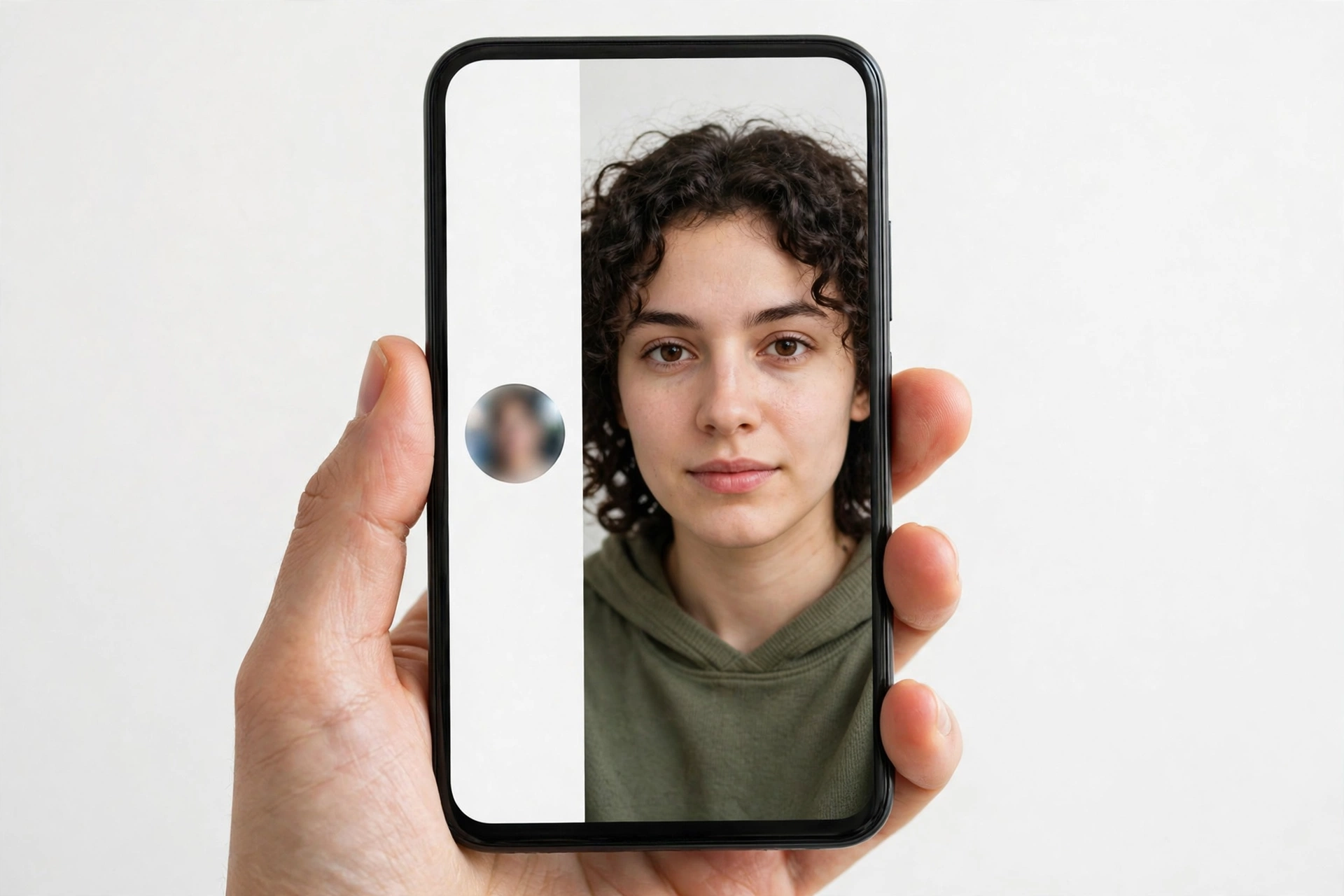
Why the Picture You See Is Not the Best Version
Profile pictures are made for browsing, not for saving. They appear small, load quickly, and change resolution by location.
You see a cached thumbnail that favours speed over detail. The original upload sits separately, with no clear download button.
Saving the first version you see rarely works well. Ask for the source image instead of accepting the preview.
What High Quality Means Here
A high-quality copy should match the original upload. It needs clean edges, no interface parts baked in, and detail that stays sharp when zoomed.
It is not a blurry thumbnail stretched larger, a screenshot, or a zoomed preview. No tool can restore detail that was never in the file.
Profile pictures are often served at about 736 by 736 pixels. Originals are often larger, commonly around 800 to 1,200 pixels.
Three Practical Methods, Compared
Three practical methods exist, and they are not equally reliable. The browser method takes more care, but gives the most control.
| Method | Reliability | Effort |
|---|---|---|
| Browser inspection and size change | Highest | A few careful steps |
| Image address pattern | Fast when it works | Very low |
| Online profile picture downloader | Lowest | Lowest |
Method 1: Use a Browser and Change the Image Size
Use a desktop or mobile browser, such as Chrome, Safari, or Firefox, rather than the Pinterest app. The app hides too many details.
- Open the profile page in your browser.
- Open the picture alone, in a new tab on a desktop, or by long-pressing on a phone.
- Find the size value in the image address, such as a small square size before the file name.
- Replace it with a larger size, for example 280×280 to 600×600, and press Enter.
- If the sharper image loads, save it to your photos.
Zoom in on the saved copy. If it stays sharp, you found the better version.
Method 2: Use the Image Address Pattern Directly
If you already have an image address, replace a small size marker with a larger one. Replacing it with a term for the original version sometimes works too, but results vary.
This takes only seconds, so it is worth trying first. It fails when the original was already small, when Pinterest capped the size, or when the image was heavily cropped.
Method 3: Use an Online Profile Picture Downloader
Online downloaders are convenient, but least reliable. They read the profile page, guess the largest image, and return whatever they find.
- Fast, with no manual address editing.
- Beginner-friendly, and easy to try.
- Often returns only medium quality.
- Sometimes enlarges a thumbnail instead.
- May show adverts or pop-ups.
- Results vary by profile.
If you use one, zoom in, check the pixel dimensions, and compare it with the browser method. Avoid any app or site that asks for your Pinterest login to show a public picture.
How to Check You Got the Better Version
Do not trust a quick glance. A preview can look fine until you zoom in, so check the file itself.
- Check the pixel dimensions in your photo details.
- Zoom in for clean edges and crisp text.
- Compare it with the small preview.
- Confirm no buttons or borders appear.
A real high-quality copy holds detail when zoomed. If it only looks fine at normal size, it is still a resized preview.
Shortcuts are useful for many Pinterest tasks, but profile pictures are a mixed case. Some can fetch a larger version, yet manual browser inspection stays more consistent.
Common Problems, Explained
The image will not load at a larger size
The original upload was probably small, or Pinterest stored no larger version. You cannot invent pixels that were never uploaded.
The image looks cropped or different
Pinterest crops profile pictures into circles for display. The source may be square, with more background than the preview showed.
The saved image is still blurry
You may have saved a screenshot, missed changing the size, or zoomed into a thumbnail. Repeat the browser method slowly, and check the dimensions after saving.
Use Other People’s Pictures Responsibly
A profile picture can be part of someone’s identity or brand. Reasonable uses include personal reference and design inspiration for your own work.
Do not impersonate anyone, create a fake account, reuse a picture commercially without permission, or present it as your own. Ask the owner first, or share the original profile link instead.
Frequently Asked Questions
Why does a Pinterest profile picture look blurry when I save it?
Pinterest shows a small, compressed preview by default. Saving it keeps the lowest quality, so open the source image in a browser instead.
Can I get the original profile picture without any tool?
Yes, often with a browser alone. Open the image in its own tab, change the size value in its address, and save the sharper version.
Why does changing the size in the address sometimes fail?
The original may have been small, Pinterest may have capped the size, or the image may have been cropped. Then no larger version exists.
Is it safe to use a site that asks for my Pinterest login?
No. Avoid sites that ask for your login to show a public picture. Use the browser method, and keep your account details private.
Disclaimer
This article shares general information only, and it is not legal advice. Reusing someone else’s picture can involve copyright and platform rules, so check the rights for your own use.
Related reading: How to Download High-Resolution Pinterest Images and What Is Pinterest and How Does It Work? A Beginners Guide
Conclusion
Pinterest is built for discovery, not extraction, and profile pictures show that clearly. The first version is a fast preview, while the better version is usually reachable through the browser.
Skip the app save and the enlarged thumbnail. Go to the source, check the dimensions, and keep the habit for next time.