
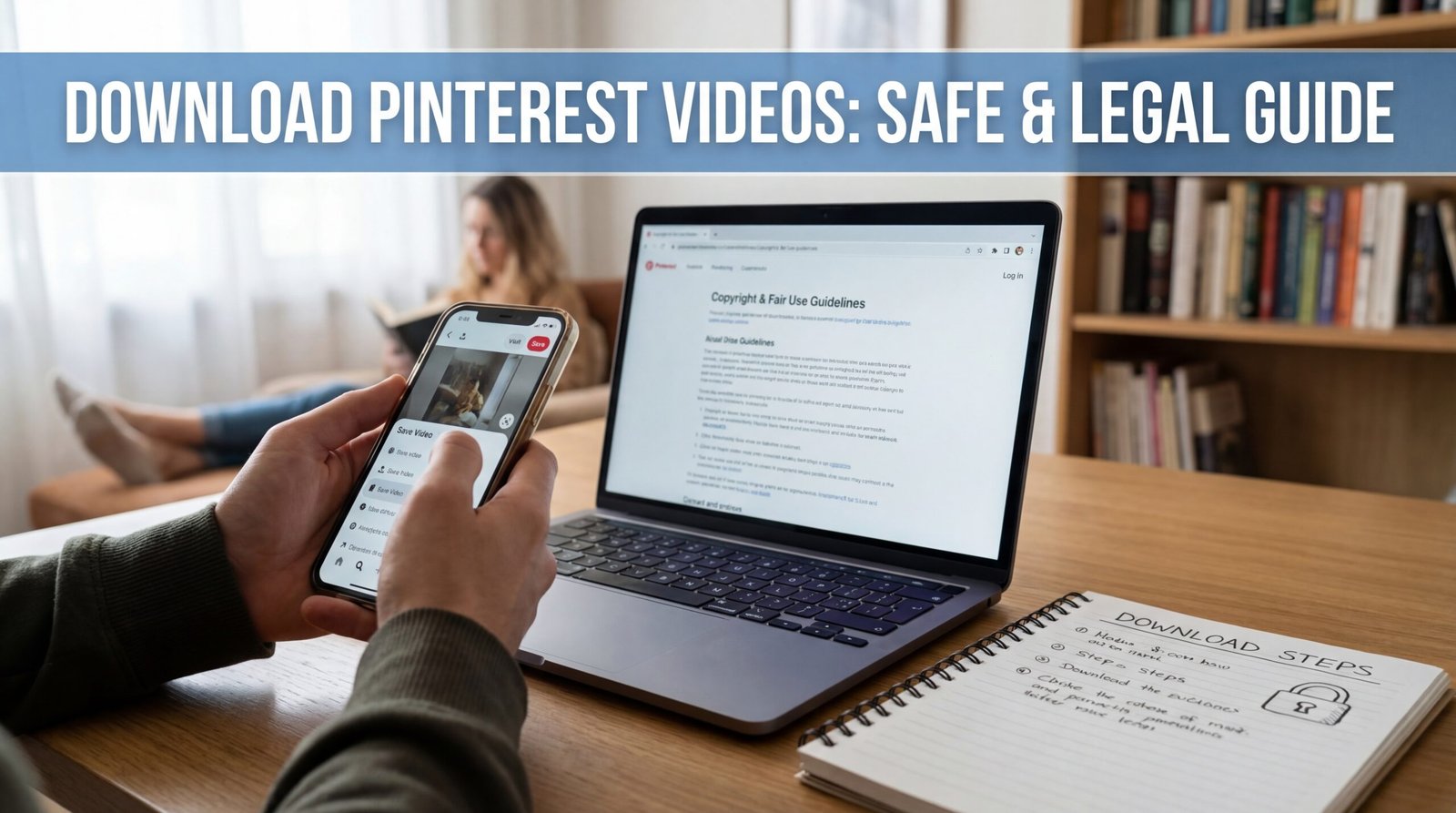
The first time I wanted to download a Pinterest video, I felt slightly ridiculous. I had saved it to a board like a responsible adult, but I needed it offline, and the video kept buffering at the worst possible moment.
So I searched for how to download Pinterest videos in HD. What I found was a swamp of sketchy tools, pop-ups demanding notifications, blurry downloads, and tutorials that had clearly never been tested on a real pin.
Why People Download Pinterest Videos
Pinterest is no longer just pretty pictures. It is full of video now, including tutorials, recipes, and short explainers.
People download Pinterest videos because they want to:
- Watch offline on planes, trains, or connections with poor Wi-Fi
- Save tutorials permanently, in case the pin disappears later
- Reuse clips for inspiration in their own design or editing work
- Reference content without reopening Pinterest every time
A Quick Reality Check on Legality
Before any practical steps, it is worth separating personal use from reuse. Downloading Pinterest videos is generally described as acceptable for personal use, such as offline viewing, inspiration, reference, and learning.
What is not acceptable without permission is a different list:
- Reposting a video without credit to the creator
- Claiming someone else’s content as your own work
- Using a downloaded video commercially without permission
- Removing a watermark, name, or other credit from the work
The Biggest Mistake Beginners Make
Beginners often assume that any downloader will work equally well. In practice, most tools fail in predictable ways, and the failures cost time and patience.
| Problem you may notice | Likely cause | What to try first |
|---|---|---|
| Blurry or washed-out video | Preview stream or low-quality re-encode | Choose the highest quality offered, or try another pin |
| Pop-ups and fake buttons | Aggressive advertising on the tool | Leave the site and use a cleaner tool |
| Tool cannot process the link | Outdated support or wrong link type | Copy the single pin link again |
What HD Quality Actually Means
HD usually means 720p, which is acceptable, or 1080p, which is ideal. Pinterest does host videos in HD, but not every downloader accesses the highest available stream.
Some tools grab the preview version instead, which is meant for fast loading rather than clarity. If your downloaded video looks slightly fuzzy or washed out, that is probably what happened.
The Simplest Safe Method, Step by Step
Step 1: Find the video pin. Open Pinterest and locate the video pin you want, then click into it so it opens fully.
Step 2: Copy the video link. On desktop, copy the full URL from the address bar. On mobile, tap the three dots on the pin and select the copy link option.
Step 3: Open PinDownloaders in your browser. Open the tool in your browser, where you should see a clean interface with a clear input box.
Step 4: Paste the link and process the video. Paste the Pinterest video URL into the input box and start the download process.
Step 5: Choose HD quality and download. If HD is available, select the highest resolution offered, usually 720p or 1080p, and download the file.
Check the File, on Mobile or Desktop
A download is not finished until you have checked it. Play the saved file, check the sound and picture, and make sure the quality matches what the original pin offered.
Common Issues and Private Videos
Even good tools cannot fight every limitation. If the video is not in HD, the original pin may not have been uploaded in HD, so try another pin from the same creator.
If the link is not working, it was usually copied incorrectly, or a board link was copied instead of a single pin link. Go back to the video pin itself, open it fully, and copy the link again.
Private, secret, or restricted pins cannot be downloaded through a public link, because that is a matter of access control rather than a tool limitation. Be very cautious of any site that claims otherwise, and never enter your Pinterest login into a downloader site.
Safety Habits That Protect You Every Time
- Avoid tools that demand logins, installs, or personal data to save a public video
- Avoid watermark-free claims that sound too good to be true, and check the finished file yourself
- Keep downloads for personal use, and give credit when you share an idea
- Never repost, sell, or claim someone else’s video as your own work
Frequently Asked Questions
Is downloading a Pinterest video legal for personal use?
Personal offline use, such as watching a saved tutorial yourself, is generally described as lower risk, but rules vary by country and this guide is not legal advice.
Why is my downloaded video not in HD?
The original pin may not have been uploaded in HD, or Pinterest may have limited the resolution for that video.
What should I do if the link does not work?
Check that you copied the single pin link, not a board or profile link, and copy it again from the fully opened pin.
Can a downloader save videos from private boards?
No, private, secret, or restricted pins cannot be accessed through a public link, and claims otherwise should be treated with suspicion.
Disclaimer
This article is general information only and is not legal advice. Copyright and platform rules vary by country and situation, so check the rights for your own pin and consult a qualified legal professional for a specific case.
Related reading: Are Pinterest Downloads Legal? Copyright Rules Explained (No Sugarcoating, No Corporate Nonsense) and Pinterest Video Downloading: Everything You Need to Know (And a Few Things People Wont Admit).
Conclusion
Downloading a Pinterest video safely comes down to three habits. Use a clean, Pinterest-focused browser tool, copy the correct single-pin link, and respect the creator’s work.