
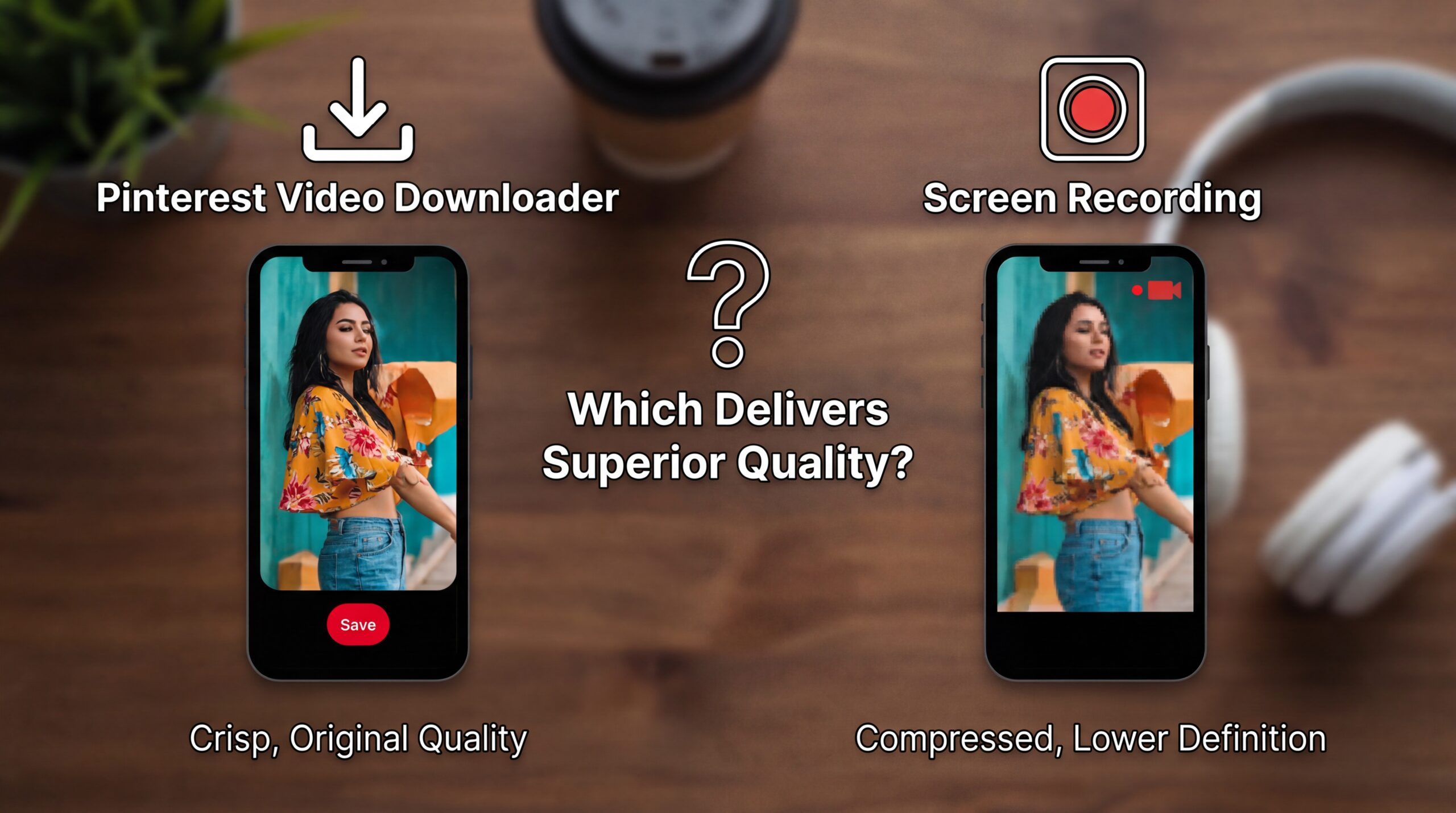
I was unaware of this being debate, until I saw people defending screen recording like it is as a personality trait.
You should know this type very well.
Sure. Microwaving coffee does indeed “work” but we should not pretend that it gives the same experience.
If you are saving pinterest videos on your iPhone be it recipes, workouts, tutorials, or design inspirations – you are almost guaranteed to find yourself embracing one of two camps:
Downloader users (Shortcuts, tools, direct pulling MP4)
Screen recording users (Control Center – Record – Pray)
Both obtain a file. Only one maintains quality without cutting down your device’s integrity.
Let us view this matter methodically – in terms of quality, resolution, audio, metadata, usability and the subtleties which are often dismissed until they become a problem.
The Big Question No One Frames Right
Most articles ask:
“Which method is easier?”
That is the wrong question.
The real question is:
Which method preserves the video as closely as possible to the original version uploaded to the internet – without further degradation?
Pinterest videos are already compressed, so whatever is then done to them does little to increase the loss or a lot to make it worse.
That is the distinction that defines the whole comparison.
What Pinterest Video Downloader Does in Actual
Let us set aside jargon.
A Pinterest video downloader, used through iOS Shortcuts or standalone extraction software, does one simple task, in this case: it fetches the original video file or stream presented to your device by Pinterest and saves it to your device.
No re-recording.
No resampling.
No approximation.
Think of it as photocopying a document instead of using a glass at the angle under bad lighting to photograph a document. Both transmit “the content” but only one is faithful.
Quality Characteristics of a Video Downloader for Pinterest
When done correctly, downloading has the following advantages:
- Native resolution (typically 720p or 1080p)
- Original frame rate
- Clean audio track
- No UI overlays
- No notification sounds
- No accidental touch inputs
- No further compression than Pinterest’s own
You are saving the source file, not a new version of it. That is a more important distinction than most people understand.
What Screen Recording Is Doing (And Why It is Deceptively Inferior)
Screen recording seems to be convenient. It is integrated into iOS. It requires no setup.
And that is the very thing that makes it deceptive.
Since screen recording is used to record a playback and not the file, you are recording:
- Your screen resolution
- The frame-rate limits of your device
- Your system audio mix
- The present state of performance of your phone
It is like making a movie instead of downloading it to movie your television.
Quality Amounts of Screen Recording (The Nuances That Can Be Overlooked)
Let us be specific.
Resolution Downgrades
Pinterest may be serving 1080 p video, but your iPhone screen will rarely log at that resolution.
Consequences include:
- Softer edges
- Slight blur
- Decrease in the fine detail (loss of text overlays significantly degrade)
These issues may not be immediately apparent but will become apparent when it is zoomed or re-watched.
Frame-Rate Inconsistency
Pinterest videos are usually 30 frames per second.
Screen recording may:
- Drop frames while scrolling
- Struggle under the background apps
- Cause uneven movement of cuts in quick cuts
A recipe video that just looks smooth may suddenly look jittery.
Audio Is Not Sacred
Screen recording is capturing the audio of the system and not the source track.
Consequently:
- Application of volume normalization is done
- Audio may be muffled
- Any interruption (notification, call, Siri) contaminated the recording
One Slack ping, and the file is permanently compromised.
Compression on Compression
This is the silent killer.
Pinterest compresses the video once; the video is compressed again when it’s saved from screen recording.
That introduces double loss, which is not very noticeable, but it adds up – particularly when the clips feature text or are high motion.
“But Screen Recording Looks Okay to Me”
Naturally, it can appear to be adequate.
Instagram videos act in the same way until you upload them twice.
The loss is erosive instead of dramatic; at first you may not be able to see the loss but it becomes apparent when you:
- Reuse the video
- Edit it
- AirDrop it
- Watch it again after several months
At that point, the downloader users tend to win quietly.
Side-by-Side Reality Check (No Sugarcoating)
Let us be frank.
Pinterest Video Downloader wins in:
- Video sharpness
- Audio clarity
- File integrity
- Long-term storage
- Editing readiness
- Professional use
- Archival quality
Screen Recording wins on:
- Zero setup
- Emergency usage
- Situations in which downloaders do not work
- Idea Pins which prevent extraction
- Impulsive “I need this now” moments
That is the differential.
One is a method that is intentional; the other is reactive.
The Quality Gap Only Gets Worse With Time
A point that is seldom mentioned is that screen recorded videos lose quality as iOS changes over time.
With each update:
- Encoding standards shift
- Playback optimisations: change
Screen recordings from older date – “feel off”
Downloaded MP4s in contrast, are still unaffected; they are pure files that are not dependent on platform changes.
If you are building:
- A personal library
- A content reference folder
- A creative archive
Screen recording is a short-term hack while downloaders are infrastructure.
Real Life Situations (Where the Difference is Obvious)
Scenario 1: Recipes & Cooking Tutorials
Screen recording:
- Text overlays blur
- Where there are small ingredient lists, they become unreadable
- Audio is cluttered by kitchen noise
Downloader:
- Crisp text
- Clean narration
- Easier pause-and-scrub
Winner: Downloader. No contest.
Scenario 2: Exercising/ Yoga Videos
Screen recording:
- Motion blur during quick transitions
- Frame drops on older phones
Downloader:
- Smooth motion
- Stable pacing
Winner: Downloader, especially if the technology is going to be projected to a TV.
Scenario 3: Inspiration for the design / Typography
Screen recording:
- Compression is detrimental to fine lines
- Color banding appears
Downloader:
- Preserves color gradients
- Maintains detail
Winner: Downloader. Designers will be aware of this.
Scenario 4: “I Just Need It Once”
Screen recording:
- Quick
- Disposable
- Acceptable
Winner: Screen recording – but here only.
File Size Myths (Let’s Clarify)
People assume:
“Downloaded videos are huge.”
That is inaccurate.
Pinterest is already an aggressively compressed service.
In practice:
- Downloader files tend to be smaller than screen recordings, as the latter contains non-essential UI pixels and metadata in the file.
- You are not saving storage space by recording your screen, you are saving work at the expense of quality.
Privacy, Cleanliness and Professionalism
This factor is crucial.
Screen recordings can accidentally record things such as:
- Notification banners
- Time stamps
- Status bar icons
- Low-battery warnings
Nothing betrays sloppy handling like a red recording dot, or a WhatsApp pop-up in the middle of a video.
Downloaded videos:
- Clean frame
- No UI elements
- No personal artifacts
If you intend to:
- Reference the content
- Edit it
- Share privately
- Use it for work or study
Screen recording turns into a liability.
When Screen Recording Is Still Appropriate(There Are Situations)
I am not against recording of screens, I am against the pretension that it is equivalent to downloading.
Use screen recording when:
- The pin prevents the download completely
- It is an Idea Pin having multiple animations
- Interaction capture (scrolling, tapping) required
- Fidelity is not a concern
Don’t misrepresent the quality.
The Verdict (Opinating, Because It Should Be)
If we go strictly in the terms of video quality:
Pinterest Video Downloader wins hands down.
Screen recording is:
- Convenient
- Fast
- Accessible
But it is also:
- Inferior
- Messy
- Fragile
It is the difference between saving a song and recording it using the speaker through your phone.
Both of these work technically, but only one is honorable to the original content.
Final Thought
Most people use screen recording because they are familiar with it and not because it is superior.
Once you download a Pinterest video correctly and juxtapose the results side by side, the differences in sharpness, sound and cleanliness are unmistakable.
Screen recording then appears to be just a short-cut that cuts corners.
If quality is important – even just a little – use a video downloader from Pinterest. Reserve screen recording for emergencies and not standards.
This recommendation is not elitist, it is simply an honest consideration of your files.