
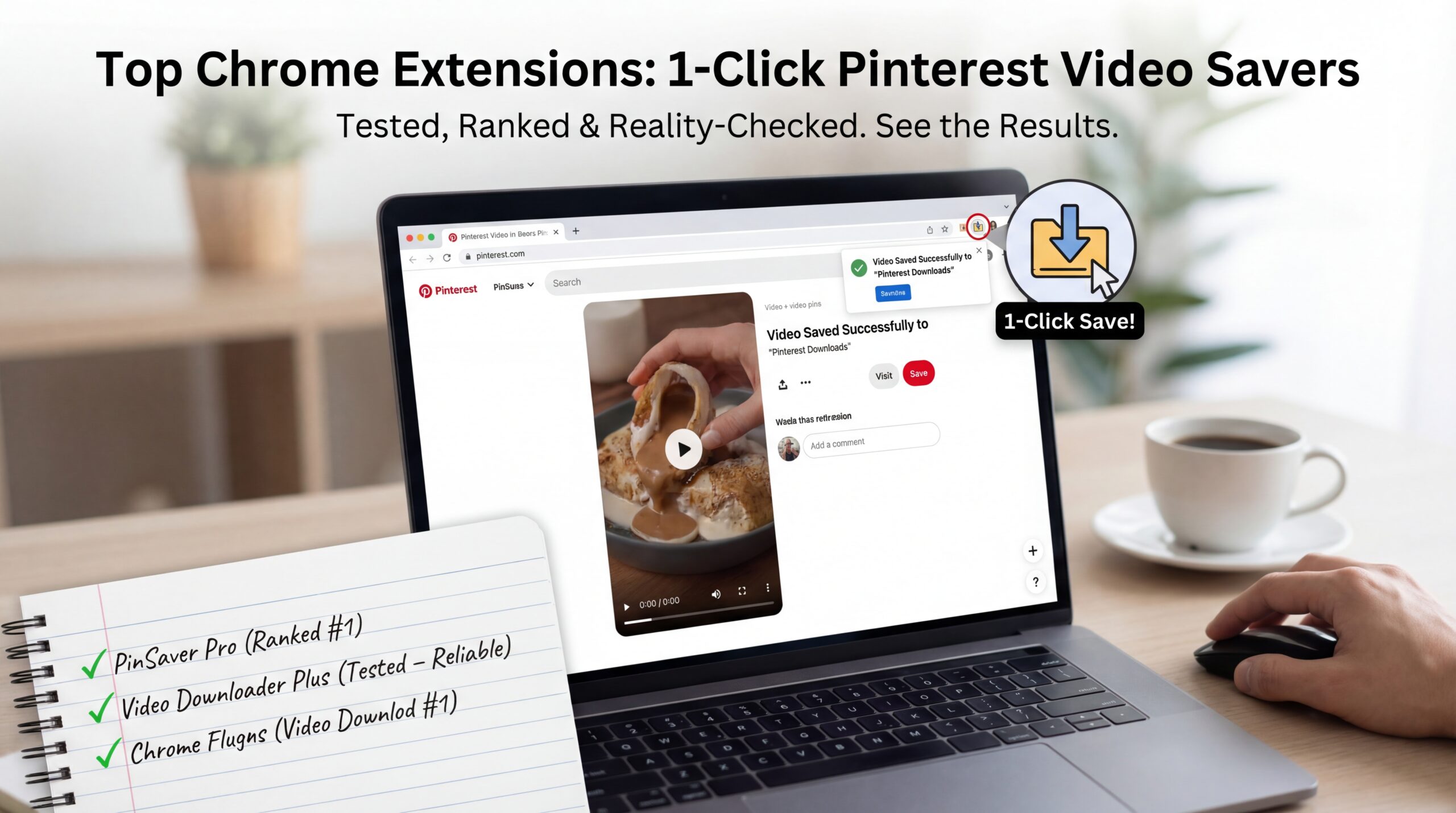
Allow me to guess how this started for you.
You were on Pinterest (this time it was on your desktop, not on your phone) and you were scrolling at a faster rate than your brain could keep up. You saw the video: a recipe, a workout, design inspiration, something with text overlays and you know that you’ll want to stop and re-play.
You hovered on it and then right clicked, hoping you would find a download button.
Nothing.
Pinterest does not offer download buttons. Chrome extensions on the other hand typically do, loudly, and often dishonestly.
So the real question isn’t:
“Is there any Chrome extensions to save Pinterest videos?”
There are tons.
The real question is:
Which ones actually save in the click of a button, without sacrifice to quality, adding of watermarks and turn your browser into a pop-up carnival?
I’ve tried enough to know which to recommend and which to avoid too.
First: Why the Chrome Extensions Make Any Sense For Pinterest Videos
Before digging into specific tools, let’s admit that extensions are quite popular for this task.
Compared to:
- Online downloader sites
- Screen recording
- Mobile shortcuts
Chrome extensions offer:
- Faster workflow
- No copy-paste rituals
- Inline buttons
- Desktop-level access to media streams
When they work, they’re beautiful. When they do not, they fail spectacularly.
What Does “One Click” Really Mean (Because Marketing Lies)
Let’s denounce the terms honestly.
A genuine one click pinterest video saver should:
- Video detection:
- Detect the video automatically
- Add a visible download button
- Save the file at once (or open a clean save dialog)
- Preserve original quality
- Not redirect you elsewhere
If an extension:
- Forces you to open a new site
- Requires manual link copying
- Forces you to click through ads
- Downloading the wrong file or downloading the 480p version
That’s not one click. And that’s busy work with branding. Keep that standard in mind.
How Pinterest Videos are Delivered (Why Extensions Break)?
Understanding delivery is helpful when trying to understand why some extensions work the first time but fail the second time.
Pinterest is used for videos (as adaptive streaming), several resolutions, and dynamically loaded assets. The video file is not necessarily visible when the page loads. Extensions have to detect it after playback has started, and any update on Pinterest can be the cause of failure in detection logic.
Good extensions adapt – bad ones stagnate. A “worked last year” extension often is obsolete.
The Best Chrome Extensions to Save Pinterest Videos (Ranked by Real Use)
Let’s get into the actual tools – no fluff, no affiliate hype.
Video DownloadHelper (The Most Trustworthy Overall)
If you have ever downloaded a web video you have probably seen this one. For good reason, it remains popular.
Why It Works
- Actively maintained
- Reliably detects Pinterest video streams
- Supports a variety of formats and resolutions
- Works across many platforms
When the Pinterest video loads the icon lights up. You click, select quality and download. That’s the workflow.
Where It Falls Short
- Requires companion app for certain formats
- Interface can feel busy
- Free version may Add watermark to some downloads
Still, for Pinterest specifically, it’s one of the most consistent players. Best for people who do not care so much about minimalism as much as they do about reliability.
SaveFrom Helper (Fast When It’s Working, Annoying When It’s Not Working)
SaveFrom is divisive. Some swear by it; others uninstall within 10 minutes.
The Appeal
- In-line Download Button on supported pages
- Very fast detection
- Minimal interaction when it works
Reality Check
- Inconsistent support for Pinterest
- Occasional redirects
- Aggressive upsells in certain areas
- Intermittent quality downgrades
Convenient, but not elegant. Best for casual use if perfect fidelity is not critical.
Surprisingly Clean Video Downloader Plus
This extension doesn’t get talked about enough – but that’s usually a good thing.
Why It’s Worth Your Time
- Simple interface
- Detects pinterest videos from after playing video
- No forced redirects
- Clean file downloads
- Doesn’t hijack your browser experience
Downsides
- Automatic highest quality selection is not possible
- Some times need to refresh
- Doesn’t detect every pin
When it works it does so without any fanfare. Best for people who are fed up with noisy extensions.
FetchV (Powerful, but Not beginning friendly)
FetchV is more technical – and quite unapologetically so.
What Makes It Interesting
- Deep stream detection
- Allows you to inspect and select media
- Deals better with complex video pages than most
If Pinterest changes the way it loads videos, FetchV often adapts to it quickly.
The Catch
- UI isn’t intuitive
- Not “one click” in the slang sense
- Better – for power users than beginners
This is a scalpel, not a spoon. Best for advanced users that want control.
Pinterest Video Extensions (The Risky Category)
You’ve seen these, extensions with keywords in the name, all promising “Download Any Pinterest Video”, often suspiciously high rated. Be careful.
Common Issues
- Numerous wrappers over outside sites
- Some inject ads into Pinterest pages
- Other people stop working after a few weeks
- Other request unnecessary permissions
Rule of thumb: if there is just an extension present for Pinterest that hasn’t been updated in a while, stay away.
Quality Comparison: Extensions vs. Other Methods
Let’s be blunt.
Chrome extensions generally result in a better quality than a screen recording, and in a slightly less control than direct download tools or shortcuts.
Extensions Win On
- Speed
- Convenience
- Desktop workflows
- Batch downloads (sometimes)
Extensions Lose On
- Long-term reliability
- Transparency
- Quality Control (Fine grained)
- Privacy (deprived of depending on extension)
They’re great for quick saves when surfing, less awesome for archiving or professional reuse.
Common Problems (And Why it Happens)
“The Extension Doesn’t Recognize the Video”
Usually because:
- Pinterest only loaded a preview stream of
- The page needs a refresh
Fix Click play, wait 2-3 seconds, refresh and try again.
“It Downloaded Audio Only”
This happens when:
- The extension gets hold of the wrong stream
- Pinterest has separate audio/video tracks
Fix: select another detected file, try another file extension, or try a tool that merges streams.
“The Downloaded Video Is Of Low Quality”
Likely because:
- The default extension was a lower resolution
- Pinterest didn’t load HD yet
Fix: let the video totally play, re-open the extension menu, search for better resolution options.
Security & Privacy (The Part No-One Wants To Do)
Extensions of Chrome are very powerful. Before installing:
- Check permissions
- Of recent reviews (not old)
- Look at update frequency
Avoid extensions that want to have access to everything.
If an extension asks to:
“Read, and to change all data on all websites”
You see, then, “it better be very good at what it does”. Uninstall whatever does not feel right – immediately.
My Sincere Recommendation (No Fence-fence-sitting)
If your goal is:
- Quick save as you browse on pinterest on desktop – Use Video DownloadHelper
- Clean UI, minimal fuss – try Video Downloader Plus
- Advanced control – Use FetchV
For absolute best quality and long term storage, avoid extensions and go with direct download techniques.
Chrome extensions are not miracles, they are just tools. Great is it in motion, less great as foundations.
Why Chrome Extensions Will Be Slightly Fragile, Always
Pinterest doesn’t support downloading. Extensions are based on patterns that Pinterest doesn’t guarantee will remain stable. Every update risks breakage. That’s not a failing of Chrome, it’s a fact of scraping modern platforms. What good extensions don’t extinguish, are adapted.
Final Thoughts (The Realist Kind)
Chrome extensions to save Pinterest videos are kitchen shortcuts.
They’re fast. They’re handy. They’re not always precise.
Treat them like convenience tools and you will love them. Expect them to be perfect and you’ll become frustrated.
Install one or two. Don’t hoard them. Update when needed. Keep a backup method.
That’s how you win with this game without losing patience – or the sanity of your browser.
If you want:
- Comparison table on quality and speed
- Some of the recommendations based on your OS:
- A workflow of extensions + offline storage
- Or help to choose the safest option
Say the word.