
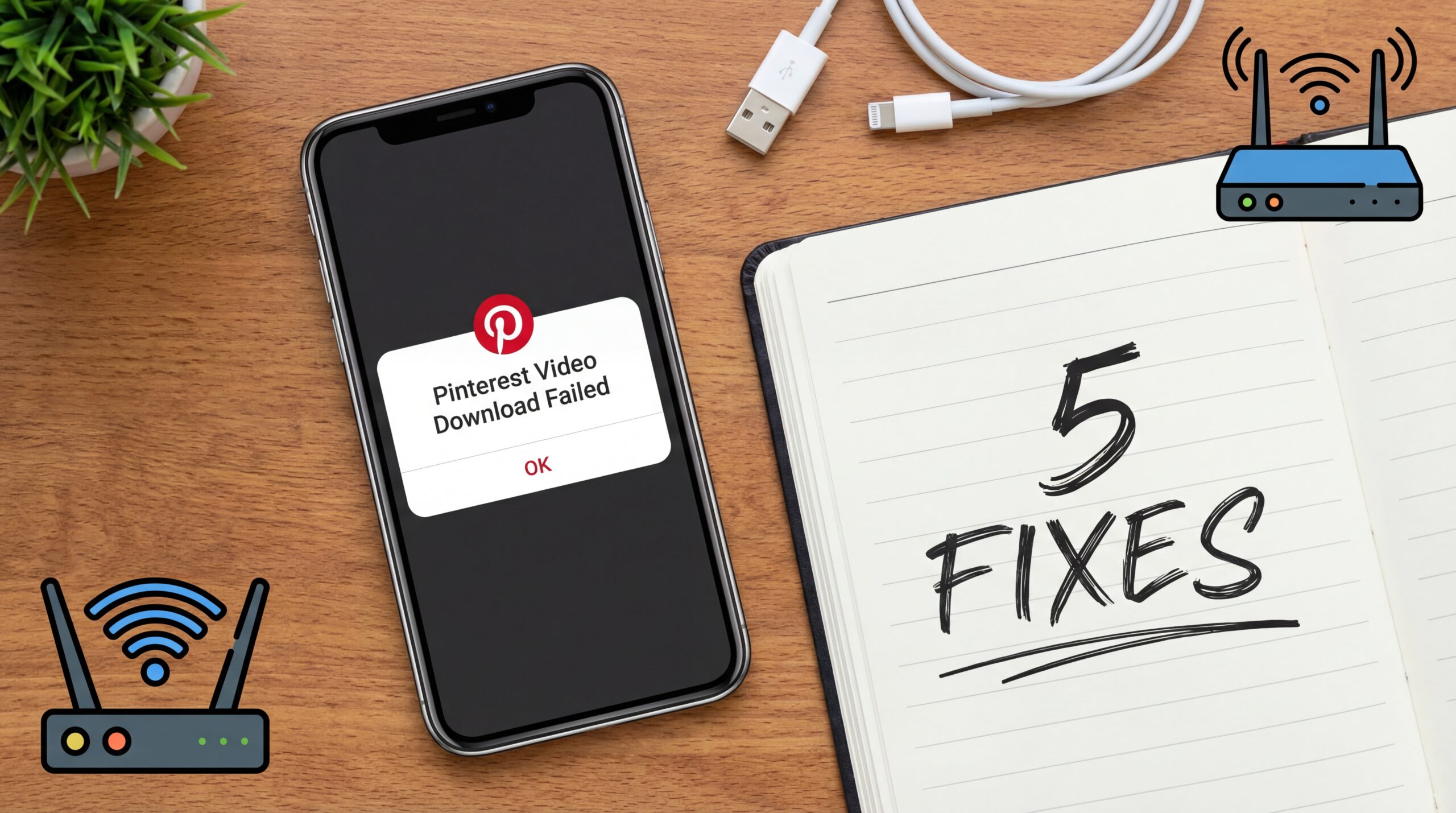
You paste a Pinterest link into a downloader, press download, and nothing happens. Or you get a vague error, an endless spinner, or a file that will not play.
It feels personal, as if you did something wrong. Usually you did not, and the fix is smaller than the frustration suggests.
Most downloaders are fragile by design. They depend on Pinterest’s video layout, temporary addresses, public access, and your browser or phone, so one small shift can break the chain.
First, Understand Why These Tools Break
A downloader tries to find a public video file behind a pin page. That gets harder when Pinterest changes video addresses, streaming formats, or which parts of a pin stay public.
If a tool worked yesterday and fails on every video today, the cause is likely on Pinterest’s side, or in an outdated tool. Work through the causes in order, starting with the link.
Fix 1: You Copied the Wrong Kind of Link
This is the most common cause. Not every Pinterest address points to a single video pin, even when the addresses look alike, and a shortened link, a board preview link, or a link from a layered pin can all mislead a downloader.
Open the actual video pin, let it load and play, then use Share, then Copy Link. On a phone, use the share sheet where possible, and on a computer, check the link opens a normal pin page.
Fix 2: You Are Trying to Download an Idea Pin
Idea Pins combine several clips, layers, stickers, music, or animations, and they are much harder for downloaders to handle than a standard video pin. Most downloaders expect a single MP4 file, while an Idea Pin loads dynamically and may never form one downloadable file.
Your realistic options are to screen record it as a last resort, try a downloader made for Idea Pins if you find a current and trustworthy one, or accept that some Idea Pins are deliberately restricted. If your tool works on normal pins but not Idea Pins, the format itself is the barrier.
Fix 3: Pinterest Changed Something and Your Tool Has Not Caught Up
This failure is not your fault. Pinterest regularly adjusts how videos are delivered, and tools that read page structure can stop working overnight, failing on all videos with vague errors.
- Try a different downloader, browser, or shortcut.
- Use a well-maintained iOS Shortcut, which fetches the stream directly.
- Turn off an ad-blocker for the download page.
- Check the same pin again later.
Fix 4: Your Phone or Browser Is Blocking the Save
This cause is sneaky, because everything can look successful while the video never appears. Your device may have blocked photo library access, file access, or background downloads, so the file has nowhere to go.
On an iPhone, check Photos permission in Settings, then Privacy and Security, then Photos, and check Safari downloads in Settings, then Safari, then Downloads. Choose a known location, re-run the shortcut, and answer every prompt for Photos, Files, and Network access, resetting any permission you once denied manually in Settings.
Fix 5: The Video Is Private, Restricted, or No Longer Public
Sometimes a video plays inside the app but cannot be downloaded, because Pinterest will not serve it publicly in the same way. The pin may be private, region-restricted, or deleted but still cached, and the downloader may call it private or unsupported.
Try opening the pin in a browser while logged out, and check whether the creator reposted it elsewhere in public. Screen recording can work as a last resort for personal viewing, but if Pinterest will not show the video to a stranger, respect that limit.
Quick Diagnostic Checklist
Before you give up, run through this short checklist. It takes a minute, and it usually points to the cause.
| Check | If the answer is no | Likely cause |
|---|---|---|
| Normal video pin, not an Idea Pin? | It is an Idea Pin | Multi-part format |
| Correct, full link copied? | Link is short or redirected | Wrong address |
| Pin loads in a normal browser? | It only plays in the app | Private or restricted pin |
| Permissions enabled? | Save never appears | Device blocked the download |
| Tool worked recently? | It fails on all videos | Pinterest changed something |
If most answers are yes and the download still fails, the problem is usually on Pinterest’s side. Trying a different maintained tool later is often more useful than repeating the same attempt.
Frequently Asked Questions
Why does my downloader say video not found?
The link may point to a board preview, a shortened address, or a layered pin. Open the video pin, let it play, and copy the link again from the Share menu.
Why does a downloader work on some pins but not Idea Pins?
Idea Pins combine clips, layers, and effects, and do not always exist as one file. A standard downloader expects a single MP4, so it often cannot handle that format.
My downloader worked yesterday and fails on every video today. What happened?
Pinterest may have changed how videos load, and your tool may not have caught up. Try a different browser or maintained tool, and check again later.
The download looks finished, but no video appears. What should I check?
Check photo and download permissions first, since the file may have been blocked. Confirm the save location, then run the download again.
Disclaimer
This article shares general information only, and it is not legal advice. Downloading or sharing a video can involve copyright and platform rules, so save videos for personal use and check the rights for your own pin.
Related reading: The Best Chrome Extensions To Save Pinterest Videos In A Single Click (Tested, Ranked, And Reality Checked) and Pinterest Video Downloading: Everything You Need to Know (And a Few Things People Wont Admit).
Conclusion
A failed download usually comes down to five things: the wrong link, an Idea Pin, a Pinterest change, a blocked permission, or a private video. Work through them in order, and try a different tool before assuming the problem is complex.
Check the link, check the pin type, and check your permissions.