
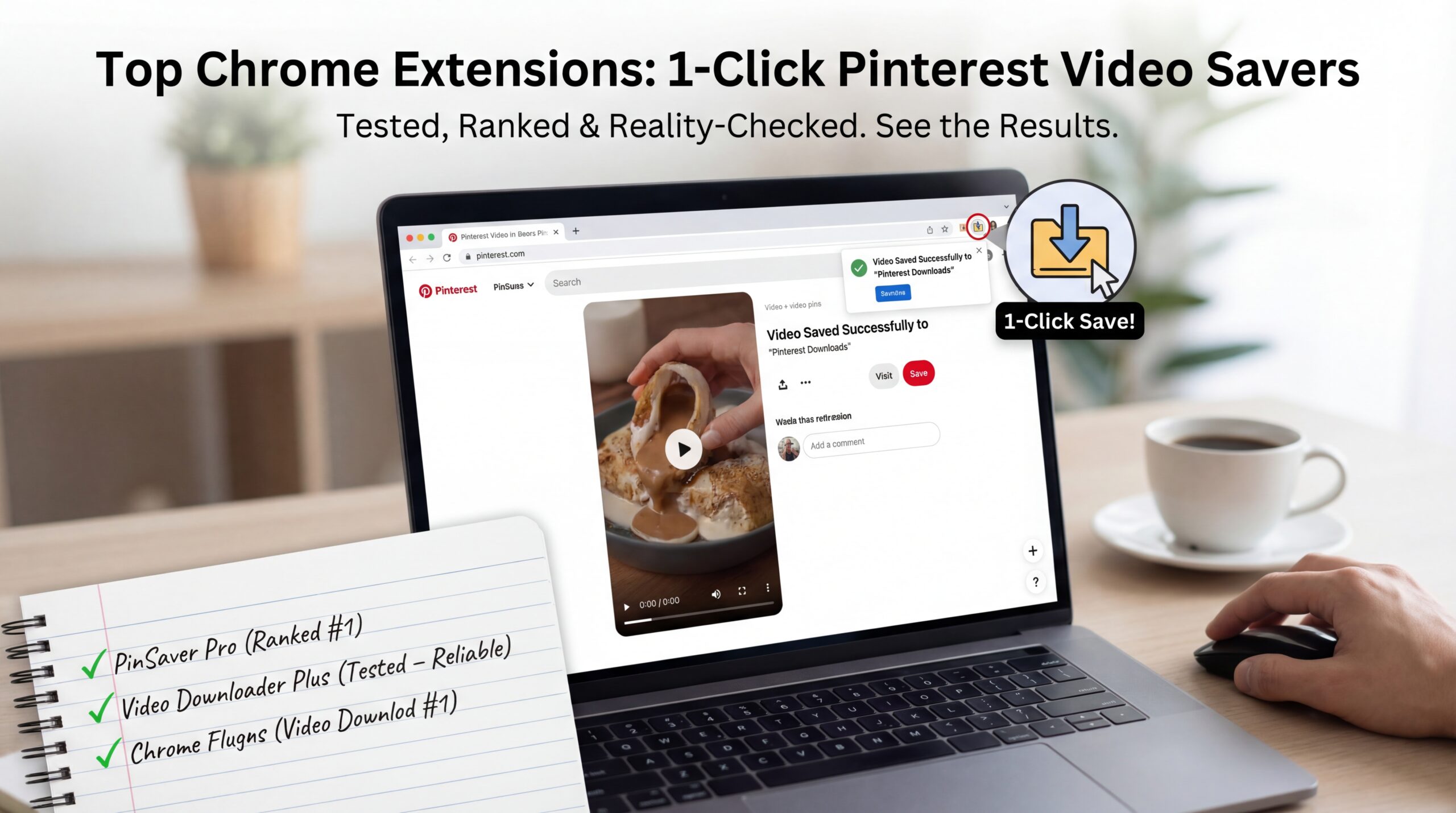
You are scrolling Pinterest on your desktop when a video stops you. It might be a recipe, a workout, or a home idea you want to keep.
You hover and right-click, hoping for a download button. Nothing helpful appears, because Pinterest does not offer one for these videos.
Chrome extensions promise to fill that gap. Which one saves in a single click, without lowering quality, adding a watermark, or filling your browser with pop-ups?
Why Chrome Extensions Feel So Tempting
Extensions promise to remove the fiddly steps other methods demand, with no link to copy, site to open, or screen recording to start.
When one works, the button sits where you are already looking, and extensions can be faster than downloader sites, recording, or shortcuts.
What One Click Should Really Mean
A genuine one-click saver should detect the video, show a visible download button, and save the file, or open a clean save dialog, while preserving quality.
If it sends you to a new site, makes you copy a link, or pushes you through adverts, it is not really one click, and neither is a wrong or low-resolution file.
How Pinterest Videos Reach Your Browser
Pinterest delivers videos through adaptive streaming, with resolutions and assets that load as you scroll and play, so the full video is not always visible at first.
An extension must detect the video after playback starts, and any Pinterest change can break that detection, so choose a maintained tool and keep a backup ready.
The Extensions, Ranked by Real Use
Video DownloadHelper: The Most Trustworthy Overall
Video DownloadHelper is actively maintained and reliably detects Pinterest video streams. It supports many formats and resolutions, and its icon lights up when a video loads.
It may need a companion app for some formats, and its free version may watermark some downloads, but it remains a consistent choice.
SaveFrom Helper: Fast When It Works, Annoying When It Does Not
SaveFrom Helper offers an inline button and very fast detection when it works. Some people swear by it, while others uninstall it within ten minutes.
Its Pinterest support can be inconsistent, with redirects, upsells, and quality downgrades, so it suits casual use more than fidelity.
Video Downloader Plus: Surprisingly Clean
Video Downloader Plus has a simple interface and detects videos after playback starts. It avoids forced redirects and does not hijack your browsing.
It does not always pick the highest quality, sometimes needs a refresh, and misses some pins, but its calm behaviour can feel like a relief.
FetchV: Powerful, but Not Beginner Friendly
FetchV offers deep stream detection and lets you inspect and select media. It often adapts quickly when Pinterest changes how videos load.
Its interface is not intuitive, and it is not one click in the everyday sense, so it suits advanced users, not beginners.
| Extension | Best for | Watch out for |
|---|---|---|
| Video DownloadHelper | Reliable desktop saving | Companion app, possible watermark |
| SaveFrom Helper | Quick casual saves | Inconsistent support, redirects |
| Video Downloader Plus | Clean and calm browsing | Needs refresh, misses some pins |
| FetchV | Advanced stream control | Technical interface, no simple click |
The Risky Category You Should Treat With Care
Some extensions use keyword-heavy names, promise any Pinterest video, and carry suspiciously high ratings, yet a bold promise is not evidence of safe behaviour.
Some are wrappers over outside sites, some inject adverts, and some stop working quickly, so avoid Pinterest-only extensions that have not been updated in a while.
- Check when the extension was last updated
- Read recent reviews, not only old praise
- Look closely at the permissions it requests
- Remove any extension that behaves strangely
When a Save Goes Wrong
The Extension Does Not Recognise the Video
Pinterest may have loaded only a preview stream, or the page may need a refresh. Click play, wait two or three seconds, refresh, and try again.
It Downloaded Audio Only
The extension may have grabbed the wrong stream, or Pinterest served separate audio and video tracks. Select another detected file, or use a tool that merges the streams.
The Downloaded Video Is Low Quality
The extension may have chosen a lower resolution, or Pinterest had not loaded the better version yet. Let the video play fully, then check the extension menu again.
Security and Privacy Checks Before You Install
Chrome extensions are powerful, so check permissions, recent reviews, and update frequency first. Avoid tools that want access to everything for a narrow job.
If an extension asks to read and change all data on all websites, it should justify that reach, so uninstall anything that feels wrong.
Frequently Asked Questions
Do Chrome extensions really save Pinterest videos in one click?
Some do, when the video has loaded and the right stream is detected, while others need a refresh or a quality choice.
Why does an extension sometimes fail to find a video?
Pinterest loads video assets dynamically, so detection can fail if only a preview has loaded. Playing the video, waiting a few seconds, and refreshing often helps.
Can I keep the original quality with an extension?
You often can, but check the quality options first, because some extensions choose a lower resolution by default. Letting the video play fully can also help.
Should I install several Pinterest video extensions at once?
Install one or two trusted extensions and keep a backup ready, because fewer extensions are easier to trust and manage.
Disclaimer
This article shares general information, not legal advice. Downloading or sharing a video can involve copyright and platform rules, so check the rights for your own pin.
Related reading: Troubleshoot: Why Does My Pinterest Video Downloader Not Work? (5 Fixes That Really Work) and Pinterest Video Downloading: Everything You Need to Know (And a Few Things People Wont Admit).
Conclusion
Chrome extensions work best as kitchen shortcuts: fast, handy, and not always precise, with DownloadHelper for reliability, Downloader Plus for calm use, and FetchV for control.
Install one or two tools, keep them updated, and keep a backup method ready. Choose calmly, check your quality, and save only what you truly want to keep.